
Beyond Simple Automations
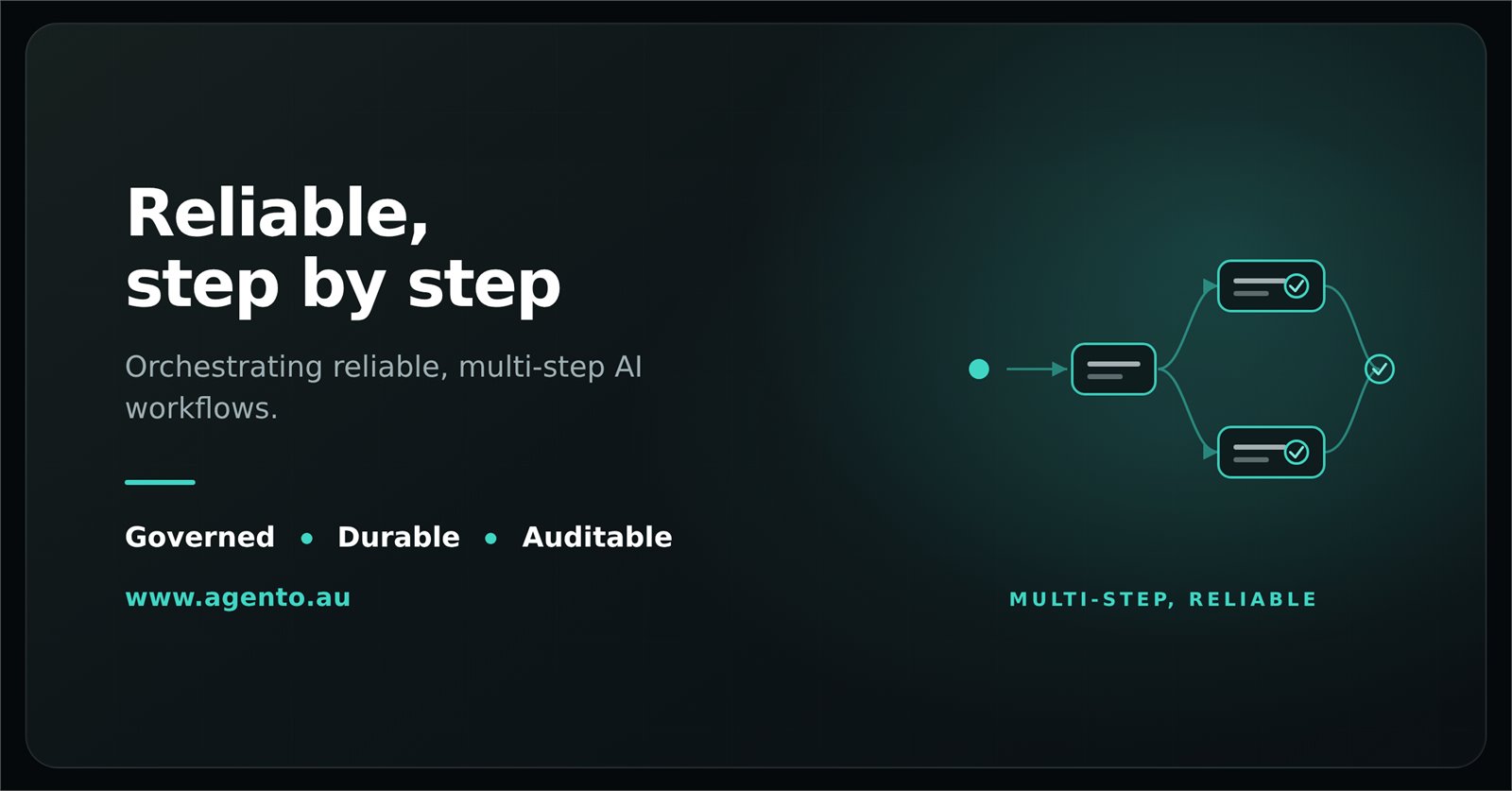
Real enterprise workflows are complex: they span several systems, need conditional logic, have to cope with errors, and must keep running even when one part fails.
Workflows That Finish
Built to complete
- A workflow keeps its place through interruptions and outages
- It carries on from the step it had reached, not from the start
- A step that fails is tried again before the run gives up
Visual Workflow Builder
Design workflows visually without code:
- Drag steps onto a canvas
- Conditions with AND/OR groups
- Repeat steps once for each item in a list
- Sub-workflows and delays
- Approval steps that wait for a person
When something goes wrong
- A failed step tells you why, in plain words
- You can stop a running workflow at any time
- You can test a single step, or replay a run from any step
Example: Invoice Processing Workflow
- Receive: An email attachment arrives through a connector
- Extract: An AI step pulls out the invoice fields
- Validate: The details are checked against the purchase order
- Approve: The invoice goes to a manager if the amount is over a threshold
- Process: An entry is created in the accounting system
- Notify: A confirmation is sent to the vendor
Each step is reliable, recorded and governed by your organisation's rules.