
Evidence and audit
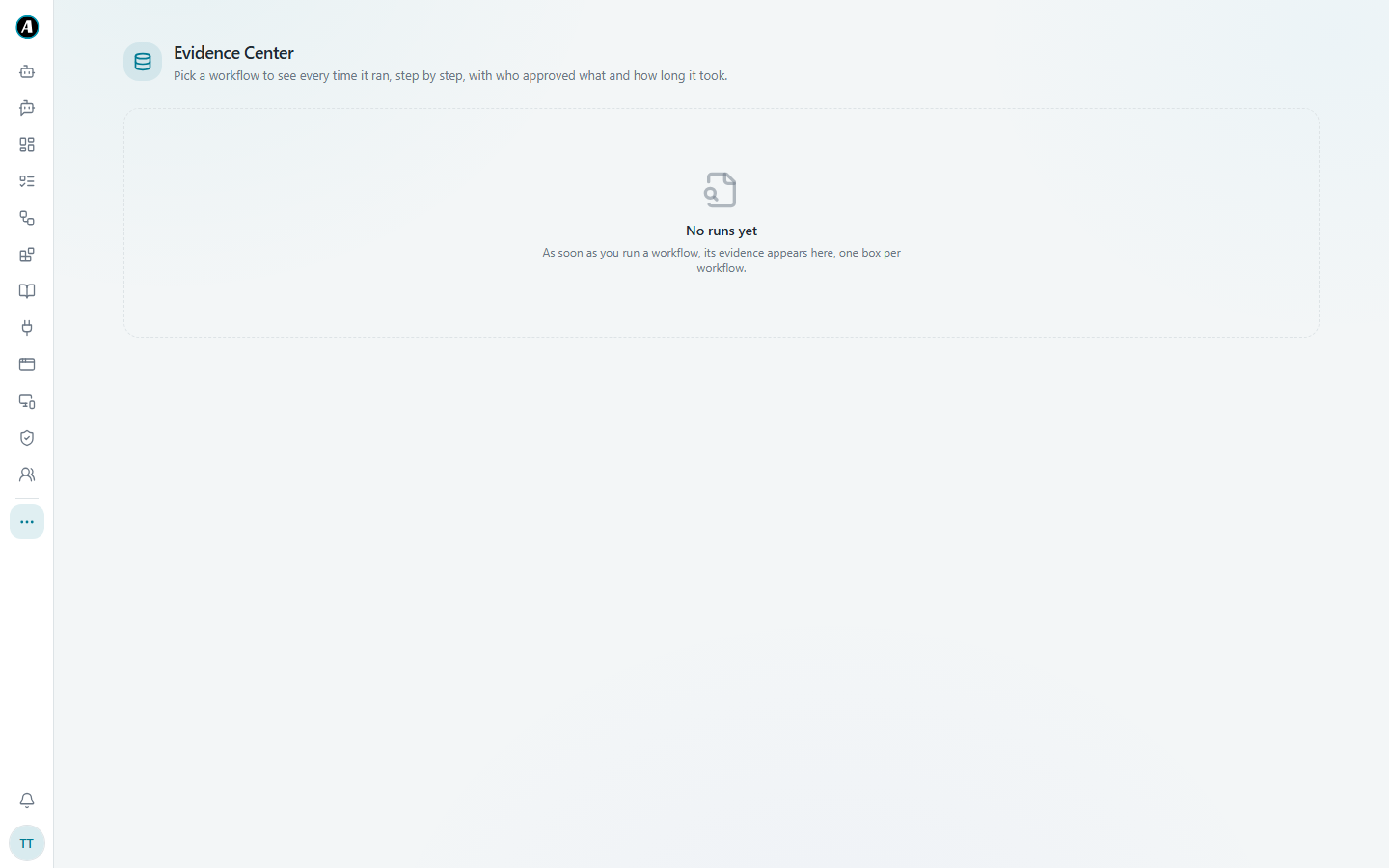
The Evidence Center
A complete, tamper-proof record of every workflow run, for checks and audits.
The Tasks page tells you what happened. The Evidence Center proves it. Every run leaves a full record: what each step received and produced, the files it touched, what the AI read and wrote, and who approved what. When an auditor or your manager asks "how do we know?", this is your answer.
What gets recorded
- What each step received and what it produced, exactly as it ran.
- Every file made along the way. Each file gets a unique fingerprint, so you can show it's exactly what the workflow produced, not changed afterwards.
- What went into the AI and what came back.
- Every approval and rejection: who decided, and when.
Finding something
- Open Evidence Center (under the three dots in the menu, or from Settings).
- Pick a workflow to see every time it ran.
- Open a run to see the full timeline, step by step, with who approved what and how long it took.
Example
An auditor asks: "On 3 March, did someone check the payment email before it went to the supplier?"
- Open Evidence Center and pick the "Supplier payments" workflow.
- Open the run from 3 March.
- You see the exact email the workflow drafted, that Alex approved it at 10:42am, and the email that was sent. The two match.
That's your answer, with proof, in under a minute.
Good to know
- The record is written while the workflow runs, not put together afterwards. There's no gap between what happened and what was recorded.
- Nobody can edit it from the app, on purpose. A record you can tidy up isn't proof.
- Your admin can choose how long evidence is kept.