
Your knowledge library
Add your documents so Agento can answer questions from them.
Knowledge is where you keep the documents Agento should know about: policies, price lists, product guides, contracts. Once they're here, you, your agents and your workflows can ask questions and get answers straight from them, with the document named.
Adding documents
- Click Knowledge in the menu, then New source at the top right.
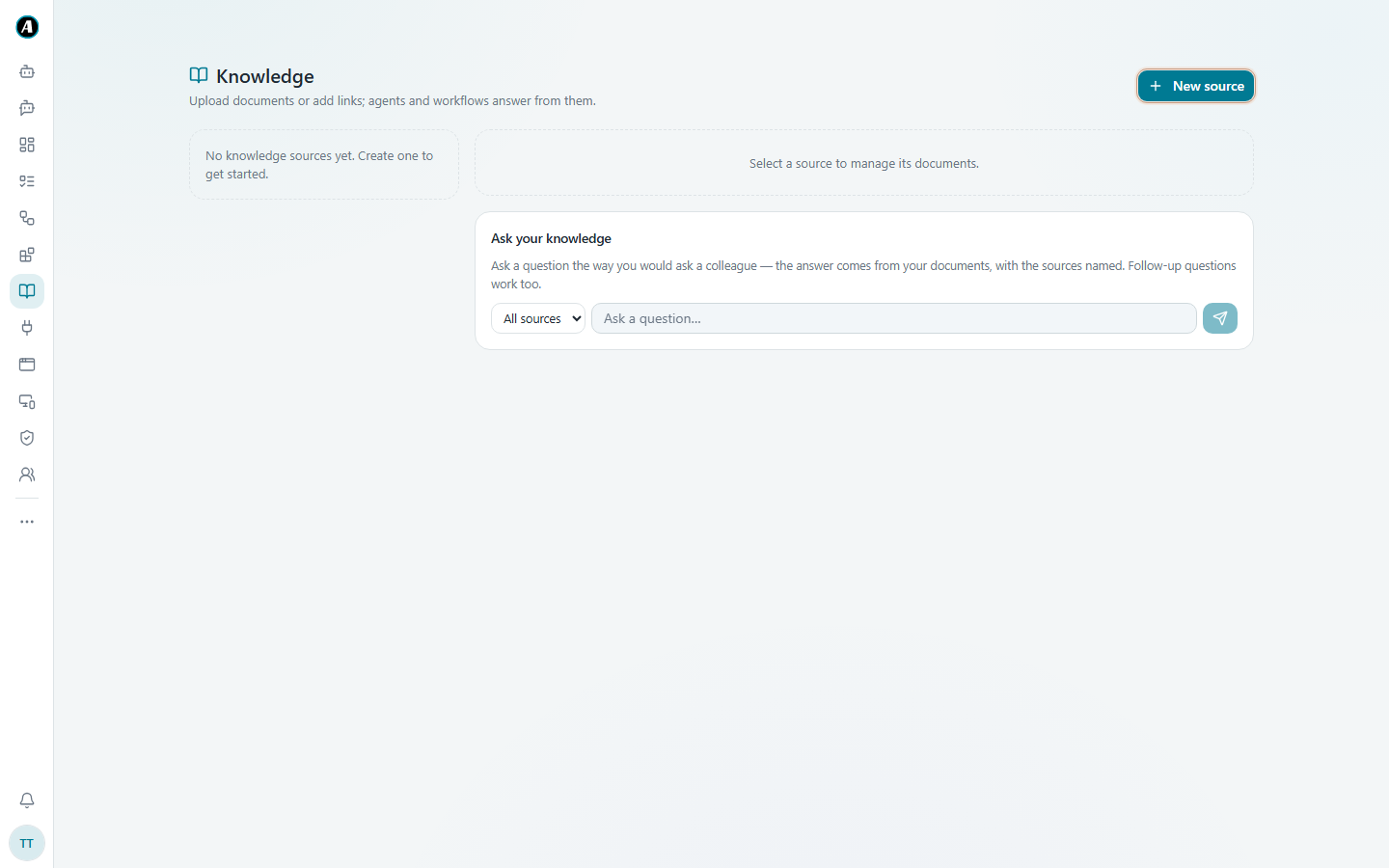
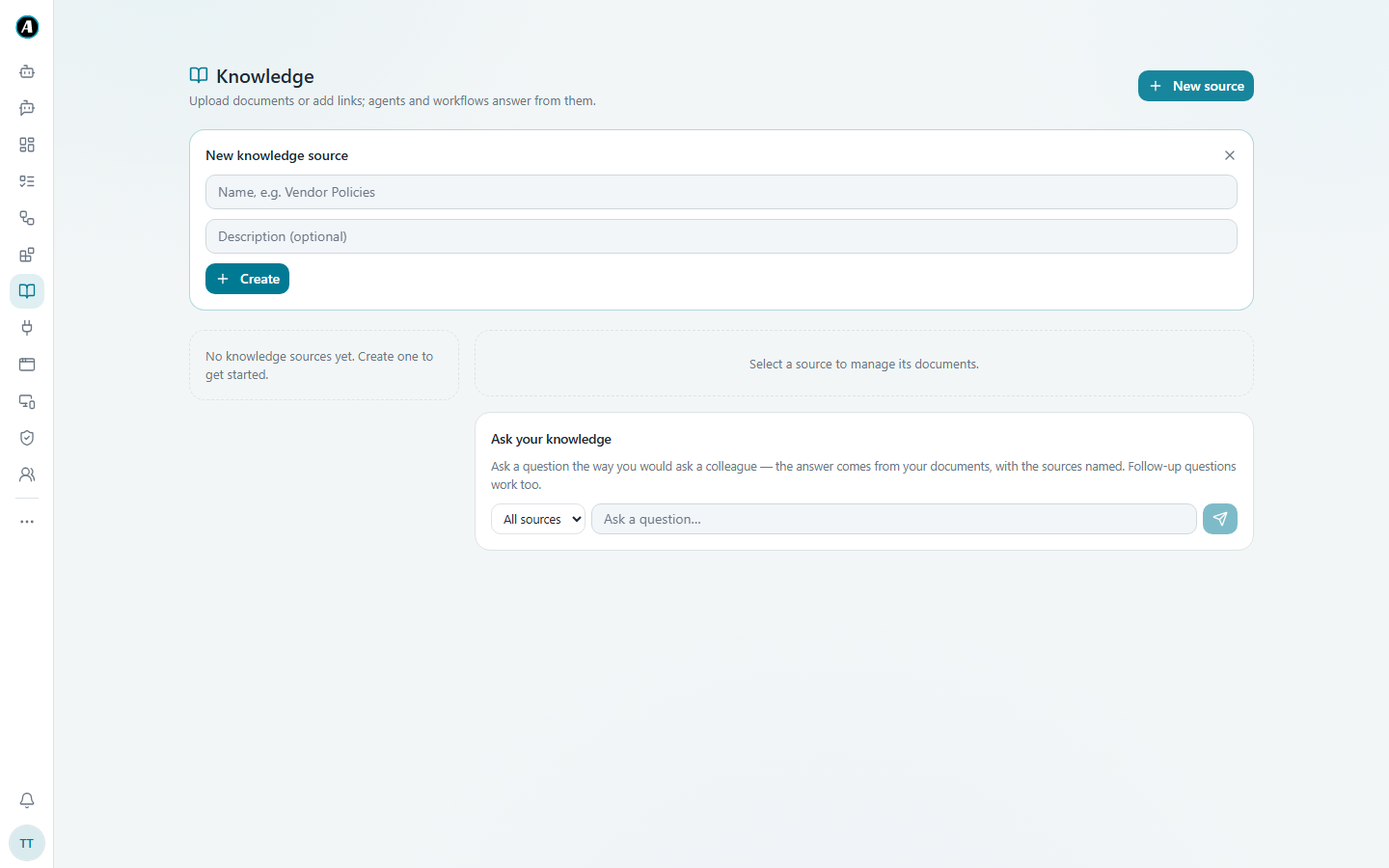
- Give it a name, like "HR policies", and a short description if you like. Click Create.
- Click your new source, then upload your documents or add links to web pages.
- Agento reads them. After a short while they're ready to use.
A source is like a folder. Keep related documents together, so you can point an agent at exactly the right ones.
Asking a question
Use the Ask your knowledge box on the same page:
- Choose All sources or one source.
- Type your question the way you'd ask a colleague, like "How many days of annual leave do new staff get?"
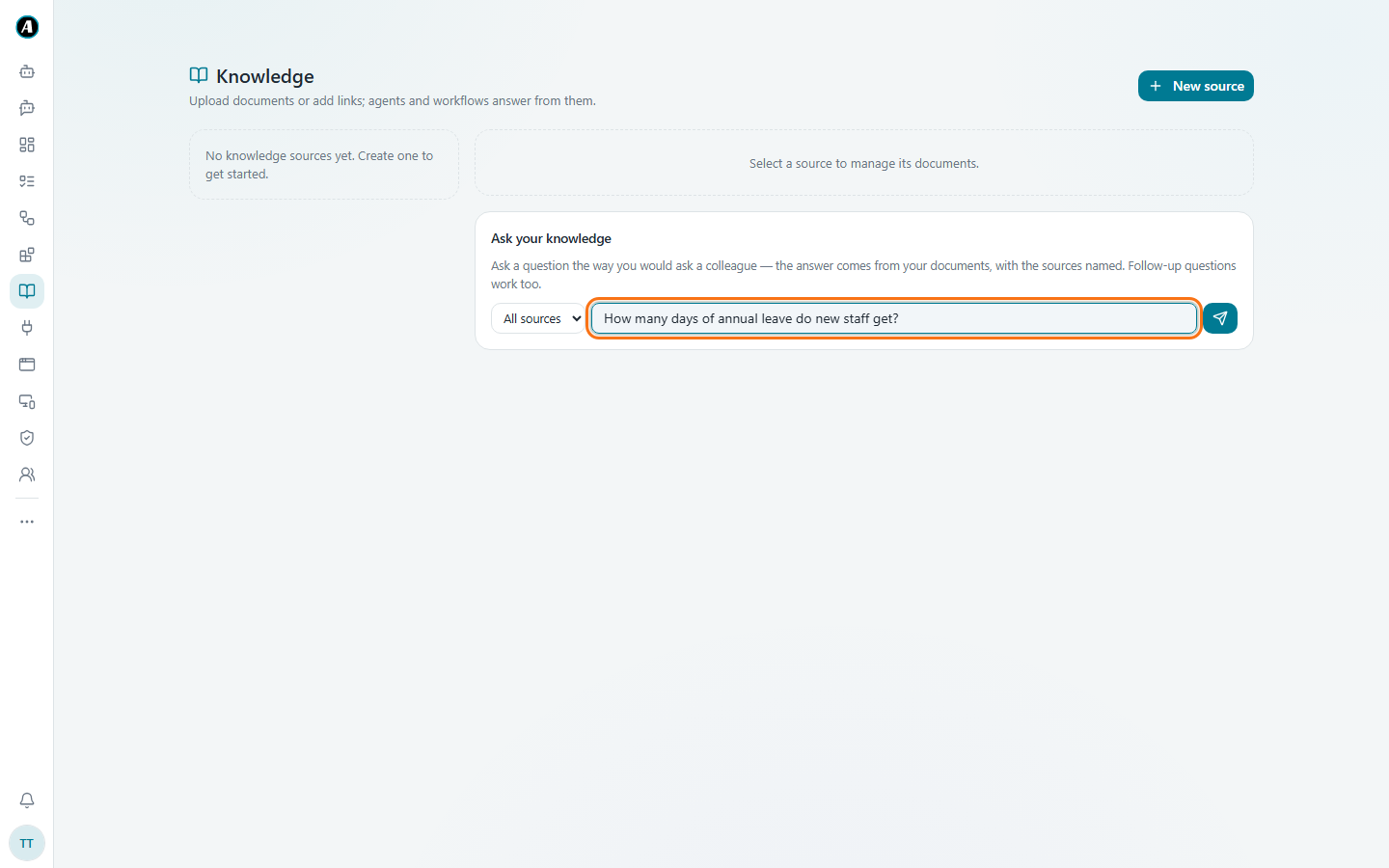
- Press Enter. The answer comes from your documents, and the sources are named so you can check them.
Follow-up questions work too: "And for part-time staff?"
Using knowledge elsewhere
- Agents: add a source in step 3 when you create an agent. It will answer from those documents.
- Workflows: add a step that looks up an answer in your knowledge, for example to reply to a customer question with your real policy.
Examples
An HR policies source
Create a source called "HR policies" and upload the leave policy, the pay guide and the code of conduct. Now anyone can ask "Can I carry over annual leave to next year?" and get the answer with the document named.
A product guide for the support team
Create "Product guides" and add the user manuals and a link to your online help page. The support team asks "How do I reset the device to factory settings?" and gets the exact steps from the manual.
Answering customers with real policy
A workflow reads a customer's question from Gmail, looks up the answer in your "Returns policy" source, and drafts a reply that quotes the real policy. You approve it before it's sent.
Good to know
- Keep documents up to date. When a policy changes, replace the old file so the answers stay right.
- Answers always name their sources, so you can check them.