
Your workspace
Notifications
Get told when something needs you, like an approval or a failed run.
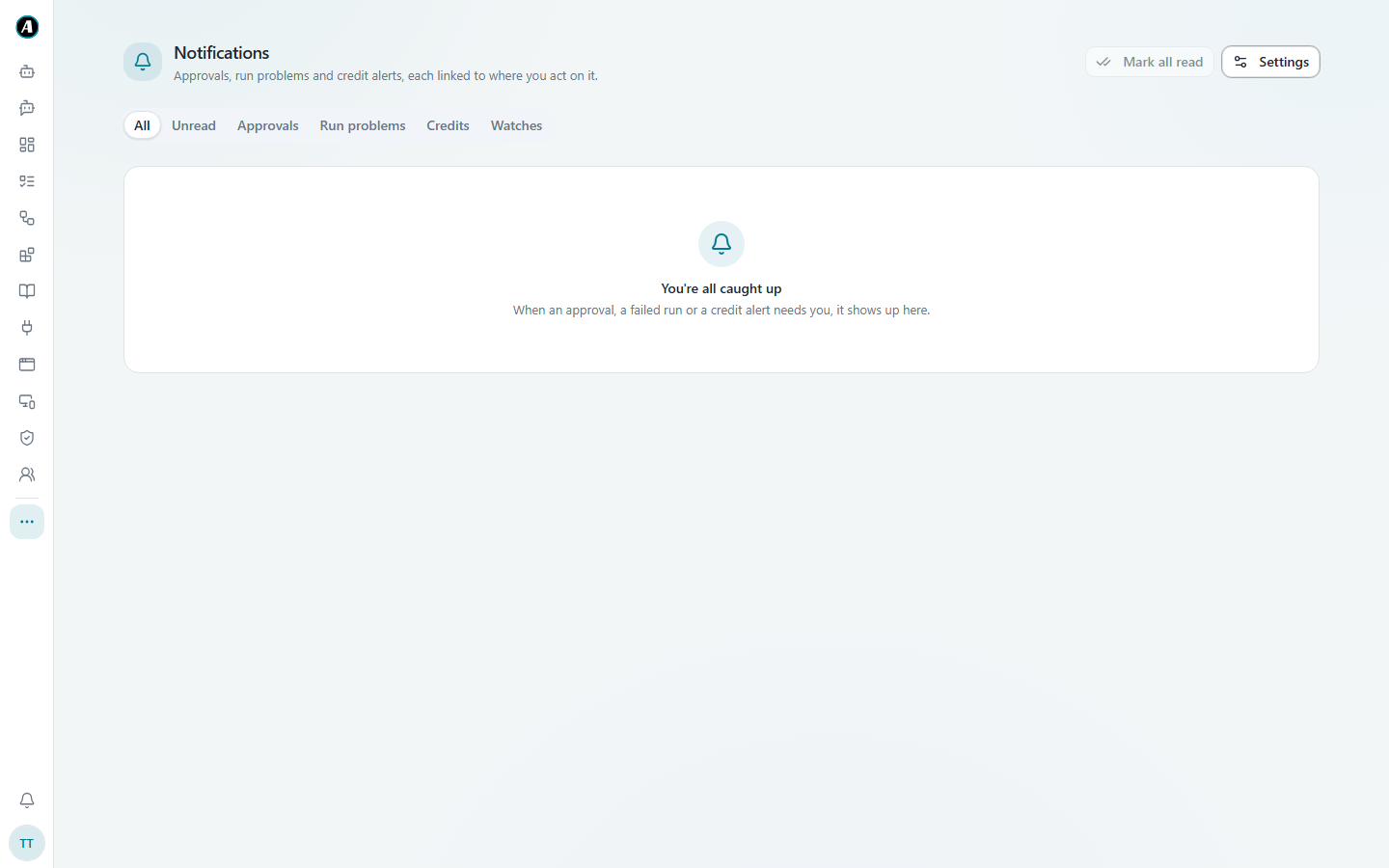
Agento lets you know when something needs you, so you don't have to keep checking. Click the bell at the bottom of the menu.
What you'll be told about
- Approvals: a workflow is waiting for your yes.
- Run problems: a workflow failed and needs a look.
- Credits: your workspace is running low on credits.
- Watches: news from triggers you're watching.
Each notification links straight to the place where you can act on it.
Tidying up
- Click Mark all read to clear the dot on the bell.
- Use the tabs (Unread, Approvals, Run problems, Credits, Watches) to find what you need.
Choosing what you get
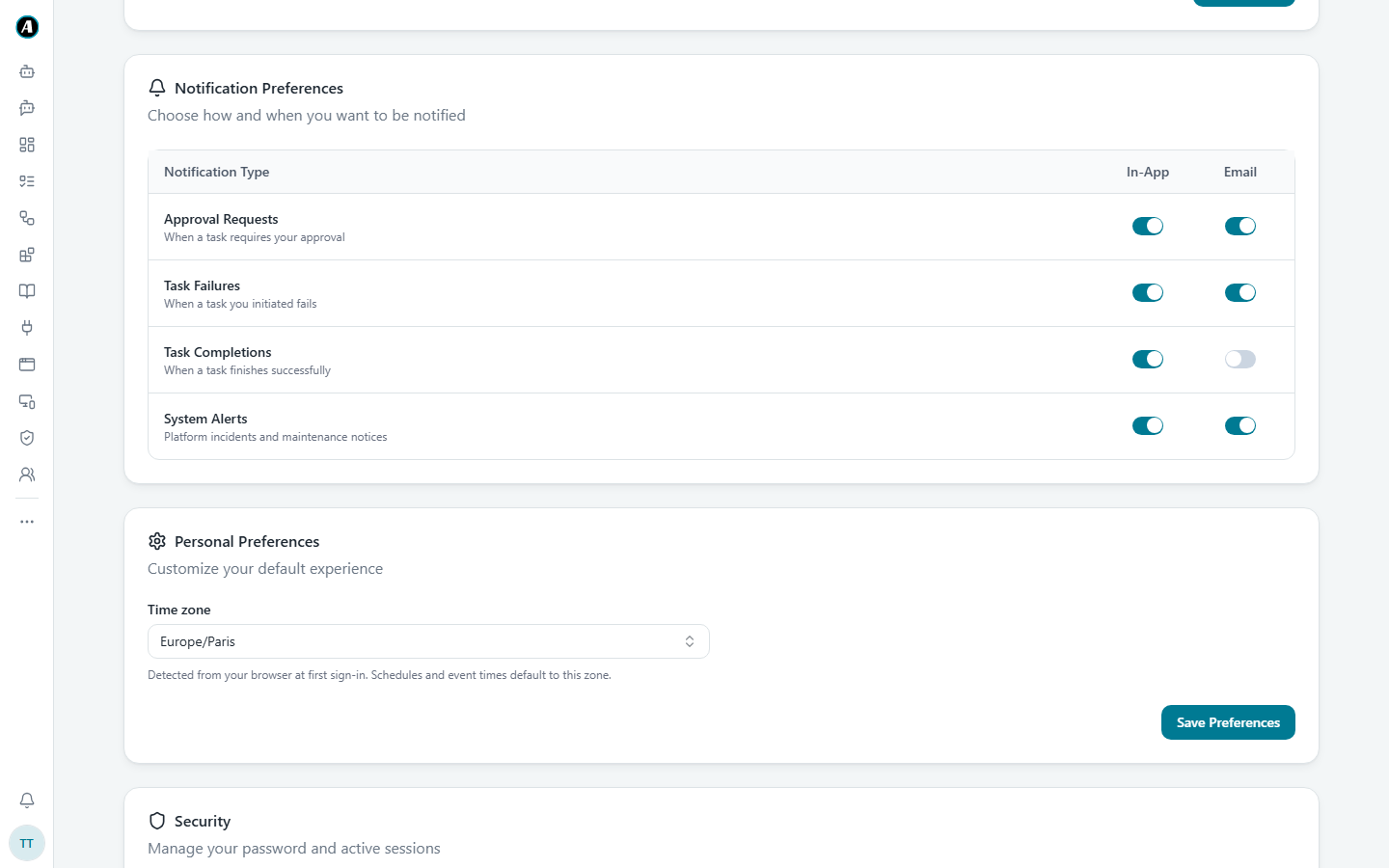
Click Settings at the top right of the Notifications page (or go to your Profile, then Notification Preferences). For each kind of notification, choose whether you get it in the app, by email, or both. Click Save Preferences when you're done.
Examples
- You only want email for approvals: in Notification Preferences, keep Email on for Approval Requests and switch it off for the others.
- You were on leave for a week: open the Approvals tab on the Notifications page to see just the things waiting for you.
- Too many "task completed" alerts: switch off Task Completions for In-App.
Good to know
- If nothing needs you, the page says You're all caught up.
- Approvals and failed runs are the ones worth keeping on email, so you hear about them even when Agento isn't open.